
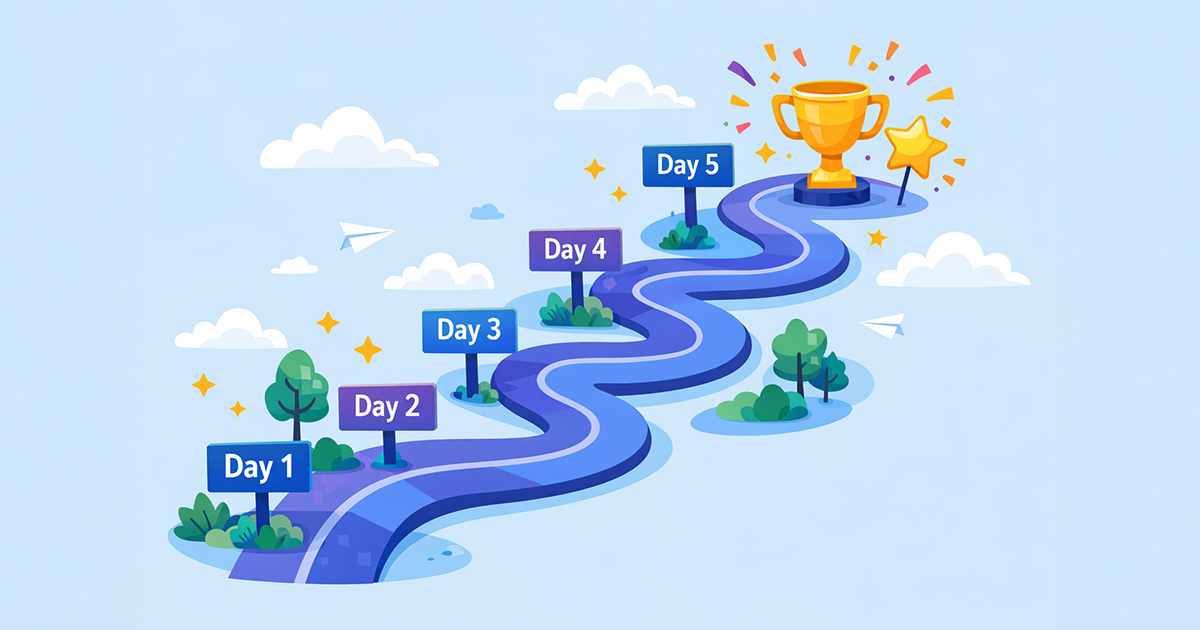
You know your order emails could be better. But between running your store, managing inventory, handling support, and everything else—who has time to overhaul their entire email strategy?
Good news: you don’t need to. In this post, you’ll get a simple 5-day plan to transform your order emails from generic to great, with each day taking just 15-20 minutes.
Why Small Steps Beat Big Overhauls
The biggest mistake store owners make with email improvements? Trying to do everything at once.
They spend weeks planning the “perfect” email strategy, get overwhelmed, and end up doing nothing.
Instead, let’s take the opposite approach: small, focused improvements that compound over time.
By the end of this week, you’ll have order emails that:
- Welcome customers warmly
- Answer common questions proactively
- Reduce unnecessary support tickets
- Set you apart from competitors
Let’s get started.
Day 1: Write Your Welcome Message (15 minutes)
Today’s goal: Create a warm welcome message for your Processing email.
Step 1: Open a new document and write 2-3 sentences that:
- Thank the customer for their purchase
- Express genuine appreciation
- Set a positive tone
Example:
“Thank you so much for your order! We’re a small team that genuinely loves what we do, and we’re excited to get this to you. Your package will be on its way soon.”
Step 2: Add this message to appear at the top of your Processing order email.
Step 3: Place a test order to see how it looks.
That’s it. In 15 minutes, every customer now receives a warmer welcome.
Day 2: Answer Your #1 Support Question (20 minutes)
Today’s goal: Identify and answer your most common support question in your order emails.
Step 1: Look at your last 20 support emails. What question appears most often?
Common ones:
- “When will my order ship?”
- “How do I track my package?”
- “What’s your return policy?”
- “How do I use ?”
Step 2: Write a clear, helpful answer in 2-4 sentences.
Step 3: Add it to the appropriate order email.
Example: If your top question is about shipping times:
“What happens next: We’ll prepare your order within 1-2 business days and email you a tracking link as soon as it ships. Most orders arrive within 5-7 business days.”
One common question, answered automatically for every future customer.
Day 3: Add Value to Your Best-Seller (15 minutes)
Today’s goal: Create product-specific content for your #1 selling product.
Step 1: Identify your best-selling product.
Step 2: Ask yourself: “What do customers need to know to get the most from this product?”
Ideas:
- Setup or getting started tips
- Care instructions
- Common mistakes to avoid
- A helpful video or guide link
Step 3: Write 2-4 sentences of helpful content specific to that product.
Step 4: Add this message to your order emails, assigned to that specific product.
Example for a coffee grinder:
“Quick tip: For the best results, grind your beans just before brewing. Your new grinder has 15 grind settings—start at #8 (medium) and adjust finer for espresso or coarser for French press.”
Now your best-selling product delivers automatic value.
Day 4: Improve Your Shipping Email (15 minutes)
Today’s goal: Make your shipping notification more helpful.
Step 1: Review your current shipping email. Does it include:
- A clickable tracking link (not just a number)?
- An estimated delivery window?
- Any preparation tips?
Step 2: Add what’s missing.
At minimum, add:
“Track your package: [TRACKING LINK] Expected delivery: [DATE RANGE]”
Bonus if you can add:
“Note: Your package may require a signature. If you won’t be home, check with the carrier about delivery options.”
Step 3: Send yourself a test to confirm the tracking link works.
Day 5: Review and Refine (20 minutes)
Today’s goal: Test your improved emails and make final tweaks.
Step 1: Place a test order for your best-selling product.
Step 2: Go through each email you receive as if you were a first-time customer:
- Does the welcome feel genuine?
- Is the product information helpful?
- Is the shipping email clear?
Step 3: Make any small adjustments based on what you notice.
Step 4: Celebrate! You’ve improved your customer experience in just one week.
What You’ve Accomplished
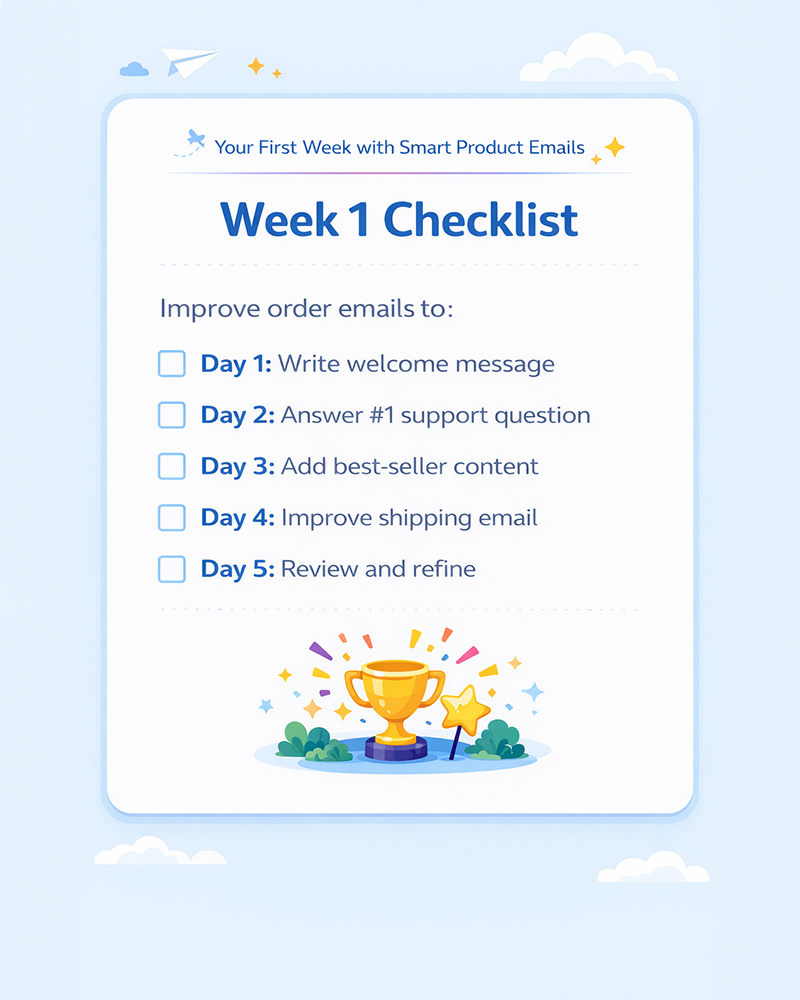
In just 5 days (about 90 minutes total), you’ve:
✓ Created a warm, personal welcome message
✓ Answered your most common support question automatically
✓ Added valuable product-specific content for your top seller
✓ Improved your shipping notification with trackable links and expectations
✓ Tested everything to ensure it works
Your order emails are now better than 90% of your competitors.
What’s Next?
Once you’ve completed your first week, keep building:
Week 2: Add product messages for your next 3 best-sellers
Week 3: Improve your Completed/Delivered email with a review request
Week 4: Create messages for your On-Hold and Refunded emails
Small improvements, consistently made, create dramatically better customer experiences over time.
Closing
You don’t need to be an email marketing expert to send great order emails. You just need to start—and keep improving a little at a time.
This week, commit to 15-20 minutes per day. By Friday, your order emails will be warmer, more helpful, and more professional than they were on Monday.
Your customers will notice the difference. And so will your support inbox.
Ready? Day 1 starts now. Open a new document and write your welcome message.